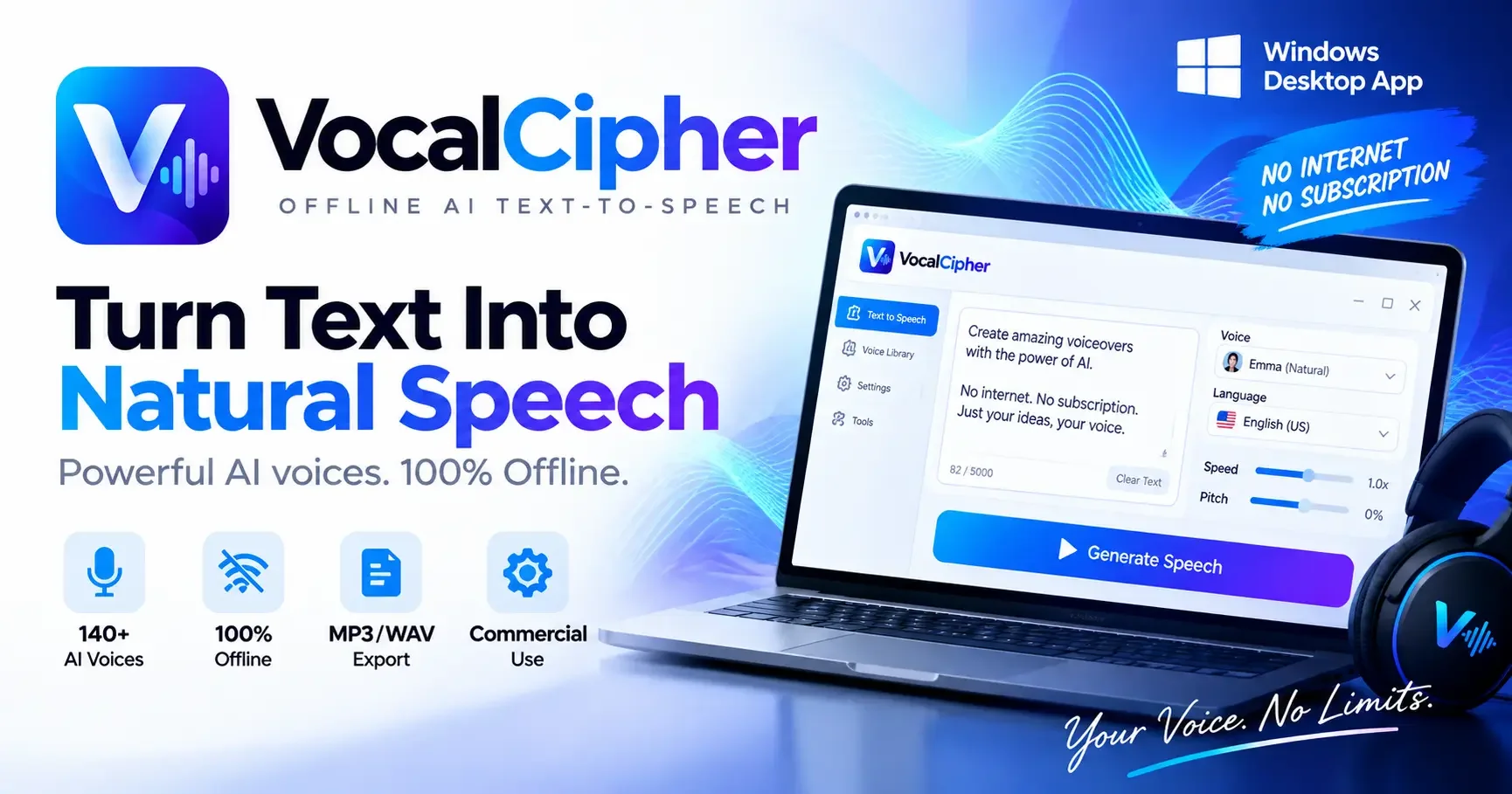
Turn any text into natural-sounding speech with 100+ AI voices. Generate voiceovers, narration, audiobooks, videos, and more directly on your Windows PC.
Built with simplicity and power in mind โ so you can focus on what matters.
Choose from over 100 natural-sounding AI voices for different types of content.
Generate speech in more than 10 languages with natural and expressive voices.
Generate speech directly on your Windows PC without requiring an internet connection.
Quickly convert your text into high-quality speech directly from your desktop.
Fine-tune your voice output with adjustable speed, pitch, and other voice settings.
Process multiple texts and generate voiceovers efficiently in batches.
Export generated speech in popular audio formats ready for your projects.
Your text stays on your computer and can be processed locally without uploading your content.
Create audio for commercial projects, marketing content, videos, and other professional uses.
From sign-up to first use, the whole process takes under 5 minutes.
Download and install Vocal Cipher in seconds.
Tailor the configuration to match your exact workflow.
Start using powerful features immediately with zero friction.
Vocal Cipher is a powerful AI text-to-speech application for Windows that transforms written text into natural-sounding speech.
With 100+ AI voices and 10+ languages, you can create professional voiceovers for videos, social media content, presentations, audiobooks, tutorials, eLearning content, podcasts, and more.
Everything is generated directly on your Windows computer. Vocal Cipher works offline, giving you greater privacy and allowing you to create audio without sending your text to an online service.
Key Features :
• 100+ AI voices
• 10+ supported languages
• 100% offline voice generation
• Natural-sounding AI speech
• Adjustable voice settings
• Fast text-to-speech generation
• Batch text-to-speech
• MP3 and WAV export
• Create voiceovers for videos
• Audiobook and narration support
• Commercial-use friendly
• No internet connection required for generation
• Windows desktop application
Built for creators, marketers, educators, developers, audiobook producers, and anyone who needs high-quality AI voice generation without relying entirely on cloud-based tools.
Vocal Cipher gives you a simple way to turn your text into professional speech directly from your desktop.
Choose the plan that fits your workflow. No hidden fees. Upgrade or cancel anytime.
Still unsure? Here are the most common questions we get.
Vocal Cipher is an Offline AI-powered text-to-speech application for Windows that converts written text into natural-sounding speech.
Yes. Vocal Cipher is designed for offline voice generation, allowing you to generate speech directly on your Windows PC without sending your text to a cloud-based TTS service.
Vocal Cipher includes 100+ AI voices across different languages and voice styles.
Vocal Cipher supports 10+ languages. Available voices and languages may vary depending on the version of the software.
Yes. You can use Vocal Cipher to create voiceovers and narration for YouTube videos, social media content, tutorials, presentations, and other projects, subject to the applicable license terms.
Yes. Vocal Cipher can be used to generate narration for audiobooks, stories, educational content, guides, and other long-form projects.
Yes. Vocal Cipher supports exporting generated speech as MP3 and WAV audio files.
Voice generation can work offline. An internet connection may still be required for activities such as license activation, license verification, software updates, or other online services.
Turn your text into natural-sounding speech directly on your Windows PC. No cloud processing required.